> For the complete documentation index, see [llms.txt](https://learn.squirrel365.io/llms.txt). Markdown versions of documentation pages are available by appending `.md` to page URLs; this page is available as [Markdown](https://learn.squirrel365.io/components-functions-and-connections/overview/media/loading-animation.md).
# Loading Animation
This article describes the Loading Animation component and all of its properties.
{% hint style="success" %}
**Who can use this feature?**
All Squirrel365 plans include the Loading Animation component.
For more details, see our [**pricing comparison matrix**](https://squirrel365.io/pricing/).
{% endhint %}
A Loading Animation component applies a visual cue to a project or application to indicate when any particular calculation or transition is occurring behind the scenes.
## Loading Animation Properties
The **Loading Animation** component properties consist of **LAYOUT & POSITION, STYLING,** and **DYNAMIC VISIBILITY** drawers.
This guide will describe all sections besides the [**Layout & Positioning**](/components-functions-and-connections/overview/layout-and-positioning.md) and [**Dynamic Visiblity**](/getting-started/core-concepts/dynamic-visibility.md) sections, as these are generic to each component. A separate guide and tutorial for each can be found by clicking the links above.
The component properties are set and edited using different methods, some have multiple methods, some just one. See this [Set Property Values](https://squirrel365.io/knowledgebase/set-property-values/) article for more information on using the different methods.
***
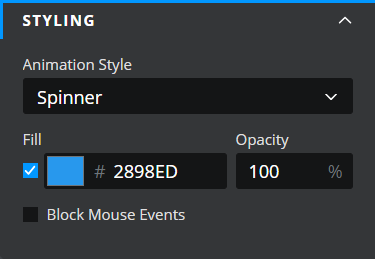
### STYLING
These properties apply to the styling options of the Loading Animation component.
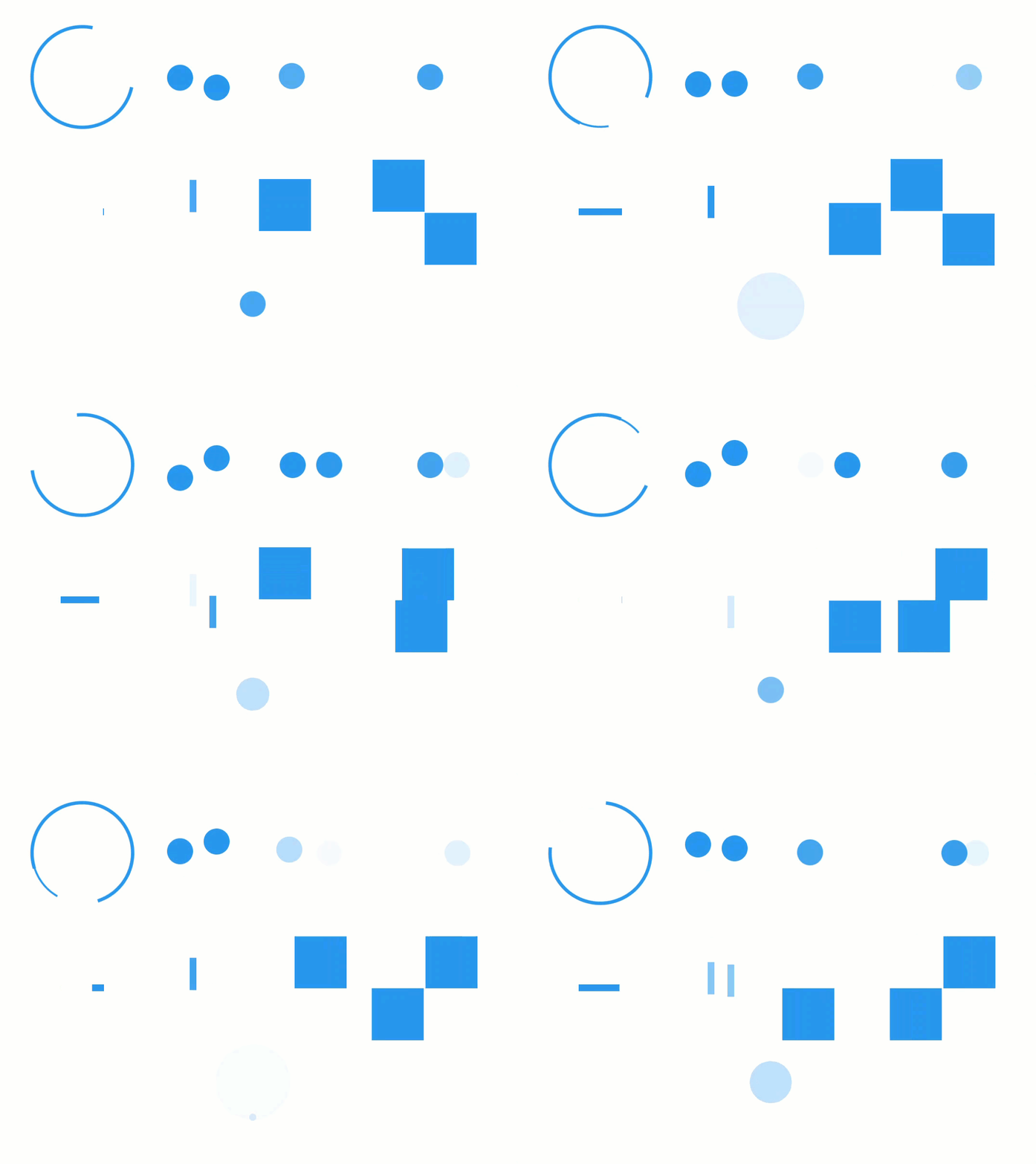
* **Animation Style** - expand the dropdown to select an animation style
* Spinner
* Dribble
* Side-step
* Roadway
* Inchworm
* Rain
* Square Dance
* Shuffle
* Firework
* **Fill** - a property to change the color of the loading animation component
* **Opacity** - a property to control the opacity of the loading animation component
* **Block mouse events** - check this property to disable any mouse events from triggering underneath the component when it is visible on the canvas.